
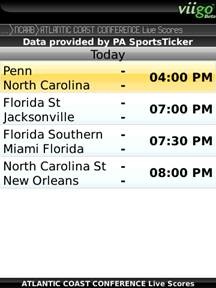
 Viigo just let me know that they have added feeds for the NCAA Basketball season to Viigo Project Tango. If you already have a copy of Tango you don’t need to download it again to get NCAA scores. All you have to do is go to Sports-> Add Sport-> Basketball-> NCAA and then select the conference you wish to follow. So far they are covering 32 conferences.
If you don’t already have a copy of Viigo you can pick it up free at www.berryreview.com/viigo
