
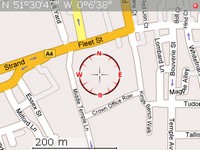
 Josep sent me a link to a post by James on Medicalnerds.com about how to setup offline maps on your BlackBerry. I had been looking into this a few months back with no success so I am glad somebody has finally figured it out. You will find that this is not just a simple install. You have to work to get this going. I did follow the instructions to some degree and it took quite a bit of fiddling to get it to work.
If offline maps are important to you I would highly recommend reading this article. The instructions are good and walk you through it step by step. I just have to say thanks to James for documenting this.
Hopefully this will be a nonissue after WES. I have been hearing rumors about a GPS application with onboard maps for the BlackBerry this past week. Thats all I can say for now. 
