
We have mentioned CrackMem a few times on BerryReview and I just wanted to explain why. CrackMem is a simple application by Pete at CrackBerry that gives you a GUI to edit the installation of a new OS for your BlackBerry with ease. Instead of opening up .alx files and editing them or deleting Java .cod files you can just click a check box.
This means that deleting the vendor.alx file to install another vendors OS now only takes one checkbox in CrackMem. The latest version 3.1 adds the ability to remove Google, Facebook, Flickr, VZW Navigator, & ICQ
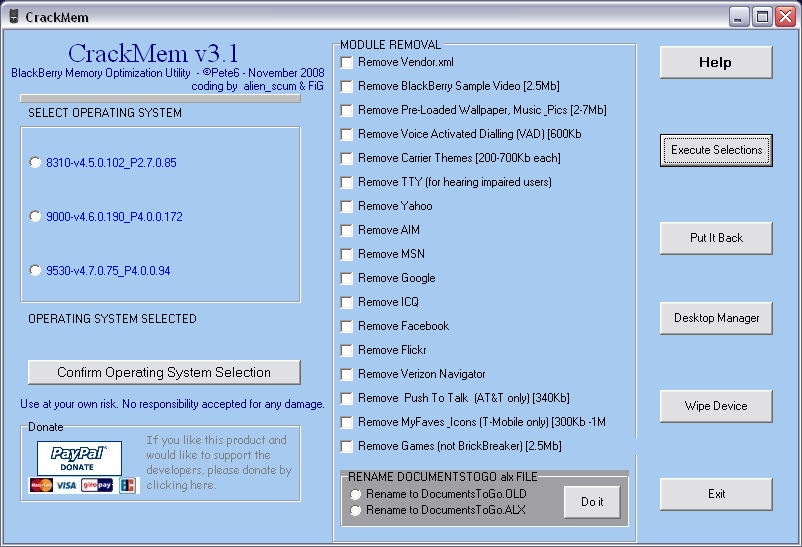
You can read more and pick it up in the CrackBerry forums at this link.
Nice work Pete!

The One Not Registered
Posted: December 15, 2008 at 2:53 PM EST
I used this new one last night and it removed VZ Navigator although I didn’t ask it to. I was able to get it back, but it is strange that, although I didn’t put a check mark to remove VZ Navigator, it removed it anyway, when I looked at the Application Loader