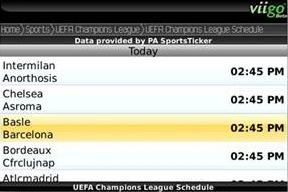
Viigo Adds NCAA & Champions League European Football (Soccer)
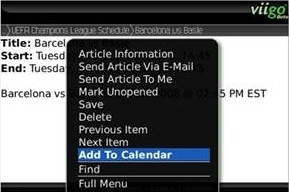
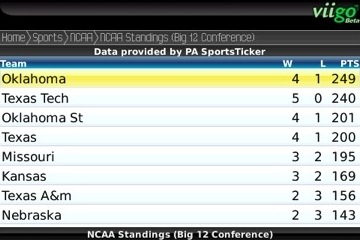
Viigo just let me know that they have added NCAA and Champions League Football to the sports section of Viigo Project Tango. This allows for live scores/standings, schedules, and news for your favorite sports. They even allow you to add certain games to your calendar through the menu.
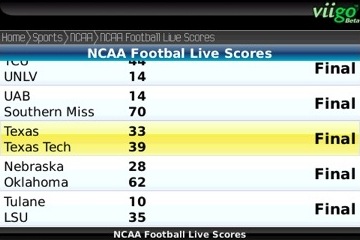
You can add the sports by going to the sports section on the main screen and clicking the add button. Then select the service you wish to add.
If you don’t already have it you can pick up the latest BerryReview Viigo Project Tango Edition at:
Desktop Install | BlackBerry OTA Install
You can follow any responses to this entry through the Comments Feed.
Previous Post: Free Brushed 9k Theme for the Bold »
Next Post: Verizon Pitching The Storm As "Perfect For Business" »
Related Articles:
- Viigo Adds NCAA Basketball Conference Feeds
- Viigo Beta Adds NBA Service In Time For The Season
- Viigo Project Tango Beta Adds Live NFL Scores
- Viigo Releases Teaser Trailer For Project Tango
Latest Articles:
- Eric Schmidt Caught Using A BlackBerry…
- Sprint Launch Events for BlackBerry Tour & New Curve Colors
- 9530 OS 4.7.0.151 Officially Released by Iusacell
- Giveaway: WiFi File Transfer – 50 Free Copies & 50% Off