 Viigo RSS reader gets an upgrade and a makeover
Version: 2.2.55
Link: www.virtualreach.com
OTA Link: mobile.virtualreach.com
Cost: COMPLETELY FREE
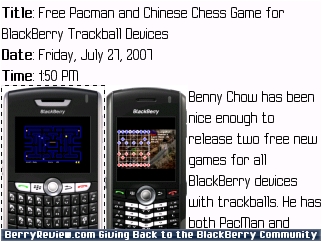
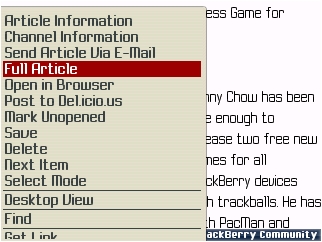
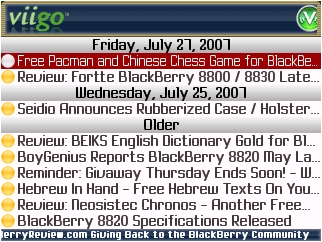
Virtual Reach has listened to the user feedback and changed their look back to a normal color from the eye straining neon green. I personally enjoy the return to blue and it seems to compliment their green logo. The new version does add in a few more features as you can see in the list below. Some of them may be a bit premature. They claim they have added the ability to click on links in an article but when I tried it did not work. You can see what I mean in the screenshots after the jump. UPDATE: After a conversation with the developers I have found that there is an option to click links if you push the menu button and select the get link option. This did not always work on all 3 test devices especially when it came to digg and engadget posts.
- A brand new banner on our Viigo branded version (to quote one of our loyal users, the old green one was “fugly”)
- Following links is supported in the item description screen (open an item and scroll to a link)
- When opening an item in the browser, content is proxied through a mobile-enhancement service (this option can be turned on and off under Options->Application)
- Improved Suretype keyboard shortcuts (we now support the standard “go to top” and “go to bottom” keys in the item list, for example)
- Multiple recipients are supported now when sending articles and referring friends
- Improved caching of the initial Channel Manager library (under “Add Channel”): this used to take a few seconds to load
- Better error messages, some of the old ones were pretty confusing
More screenshots after the jump